Topdeck Topdeck iOS
English
Download on the App Store

Edit your single-player saves by typing what you want

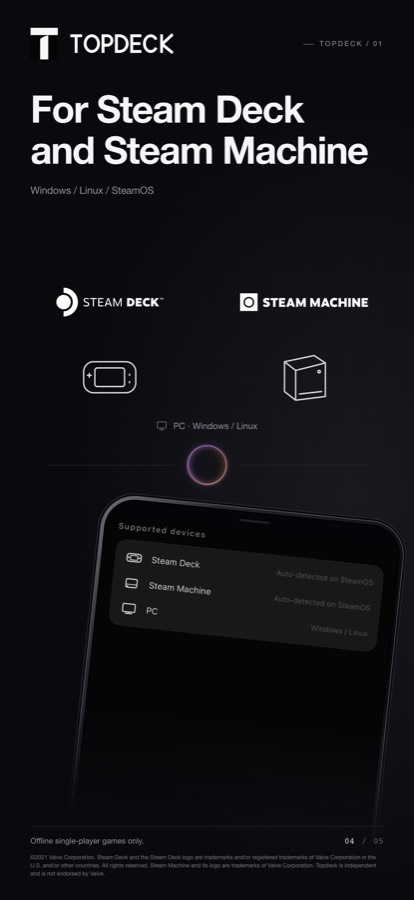
Topdeck talks to a small helper on your own Steam Deck, Steam Machine or Windows PC over your Wi-Fi. Name the value and the number — it finds the save, backs up the original, writes the change, and reads it back to confirm.

Download on the App Store

iPhone · iOS 17 or later · Subscription required

For offline single-player games on hardware you own. Not for online or multiplayer titles.

Topdeck — Plain language
Topdeck — Plain language Topdeck — Not limited to a list Topdeck — Backed up first Topdeck — Stays on your machine

Plain language

Say “set the currency in Hell Maiden to 9,990,000”. No file paths, no hex editors, no memory addresses.

Not limited to a list

No recipe for your game yet? Topdeck reads the save on your machine, works out the format in a sandbox, and writes the change.

Backed up first

The original file is copied before every write, so a change can be undone.

Stays on your machine

Saves are read and written locally. Their contents never leave your Wi-Fi.

Refuses unsafe writes

Never writes while a game is running. Skips titles where anti-cheat is detected.

How it works

  1. 1

    Install the helper

    One command on your Steam Deck or PC, once. It starts with the machine.

  2. 2

    Scan

    The app finds that machine on your Wi-Fi. No IP address to type.

  3. 3

    Say what you want

    Name the value and the number. Topdeck handles the rest and verifies the result.

Games already worked out

These are tested end to end and apply instantly. Anything else, Topdeck figures out on the spot — that is how this list got here.

  • Hell Maiden
  • Trials Survivors
  • Arms of God
  • Tower of Babel
  • Funguys Swarm
  • Yet Another Zombie Survivors

Start with the save you're stuck on

Topdeck talks to a small helper on your own Steam Deck, Steam Machine or Windows PC over your Wi-Fi. Name the value and the number — it finds the save, backs up the original, writes the change, and reads it back to confirm.

Download on the App Store

Questions

Topdeck is an iPhone app that edits the save files of single-player games installed on hardware you own — a Steam Deck, Steam Machine or Windows PC. You install a small helper program on that machine; the phone talks to it over your local Wi-Fi and carries out the change you describe in plain language.
No. Topdeck is for offline single-player titles only. It refuses to operate on games where anti-cheat software is detected, and it never writes while a game is running. Using save editing on online games can get an account banned, which is why the app does not support them.
No. Topdeck runs as a normal App Store app on a standard iPhone. It does not modify your phone and does not connect to any external hardware accessory — it only makes ordinary HTTP requests to a helper program on your own computer, over your own Wi-Fi.
The helper copies the original file before every write, so a bad change can be reverted by restoring that backup. It also refuses to write while the game is running, which is the most common way saves get corrupted. That said, editing saves always carries some risk; keep your own backups of anything you care about.
Offline single-player games in general. When a game already has a shared recipe, the change applies instantly — tested so far: Hell Maiden, Trials Survivors, Arms of God, Tower of Babel, Funguys Swarm, Yet Another Zombie Survivors. When there is no recipe, Topdeck locates the save on your machine, reads a sample, works out the format in a sandboxed script, writes the change and reads it back. That is how every game on the list got there.
No. Save files are read and written by the helper on your own machine. Their contents stay inside your local network. The app's servers handle accounts, subscriptions and the shared recipe library only.
Topdeck is a subscription: US$39.99 per year or US$6.99 per month, billed through your Apple ID. Pricing in other regions follows the App Store's local equivalents.
Yes. The helper runs on SteamOS as well as Windows. On a Steam Deck you install it once from Desktop mode; afterwards it starts automatically with the device and the phone connects on its own.